
Smart Things sDock Fix: Sleek Wall Mounts for iPad and Samsung Tablets
- 3 min reading time

For those seeking a high-quality and aesthetically pleasing solution for permanently mounting an iPad or Samsung tablet to a wall, TabletSolution now offers the latest generation of Smart Things sDock Fix wall mounts. These ultra-thin, lockable holders combine a sleek design with smart functionality and are ideally suited for permanent installations in homes, offices, meeting rooms, showrooms, or public spaces. Thanks to their minimalist design, all buttons, cameras, and microphones remain fully accessible, while the mount ensures a secure and permanent attachment for your tablet. In this blog, we will highlight the various models now available in our range.
Why choose the sDock Fix?
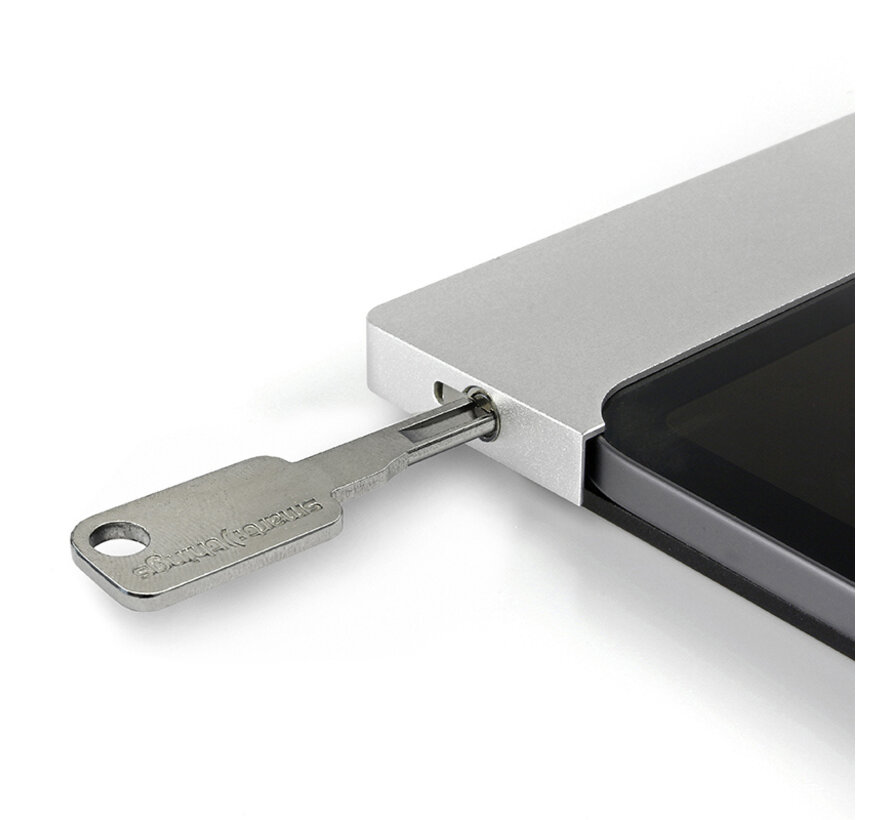
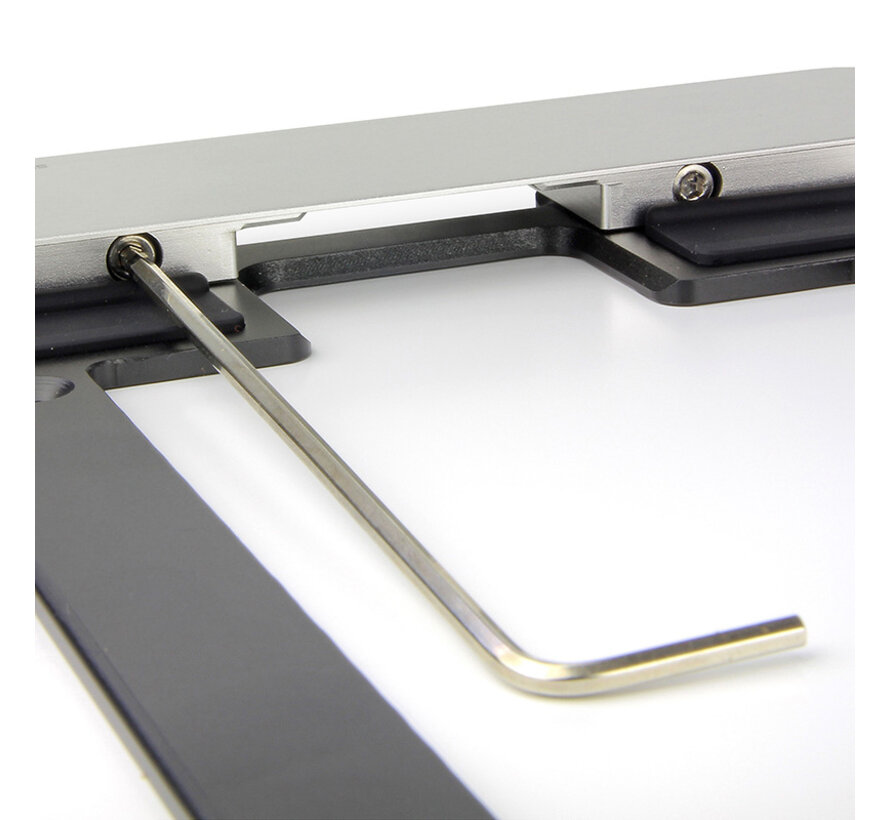
The Smart Things sDock Fix is designed for permanent mounting. The holder is only 12 mm thin, fully lockable with a key mechanism, and comes with mounting accessories. The long sides remain free, ensuring all buttons, microphones, and cameras remain accessible – without compromising your tablet's design.
Additionally, the holder is prepared for the sCharge built-in power supply, an optional accessory that enables a permanent power supply without visible cables. This maintains a sleek and professional appearance.
Which tablets is the sDock Fix available for?
TabletSolution offers the Smart Things sDock Fix in multiple sizes, specifically tailored for the latest iPad and Samsung Galaxy Tab models:
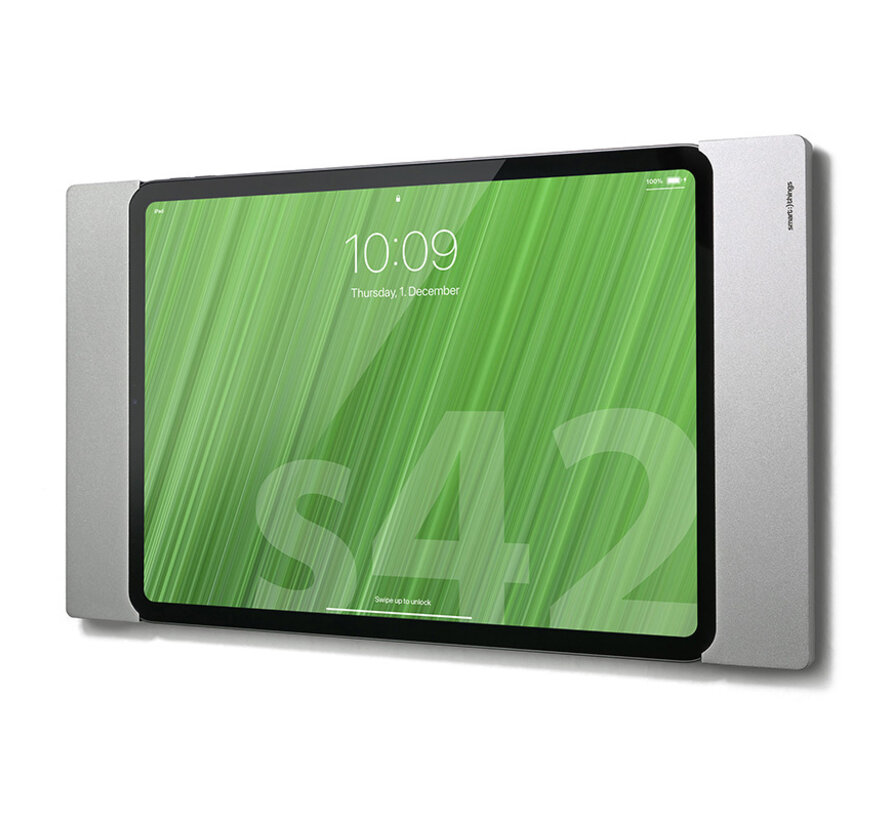
sDock Fix for iPad 10th and 11th generation (10.9"–11")
- Compatible with: iPad 10 (2022) & iPad A16 (2025)
- Front and base plate made of anodized aluminum
- Sleek, lockable, and ideal for home automation or business applications
- Available in black or silver
- Weight: 380 g (705 g including packaging)
- Dimensions: 310 x 180 x 12 mm
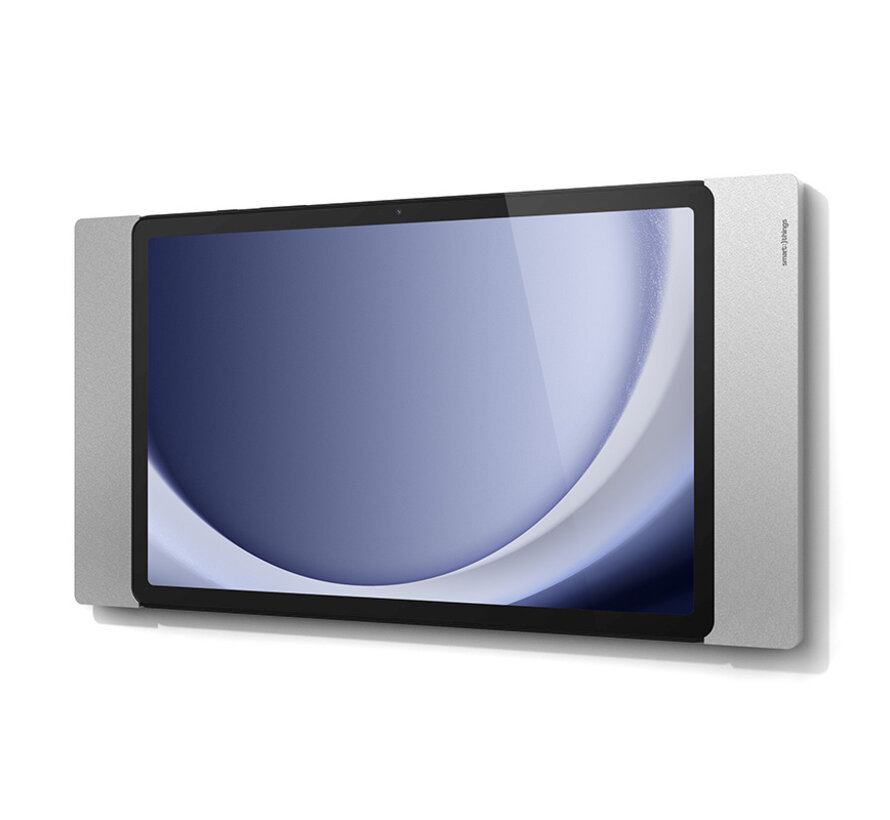
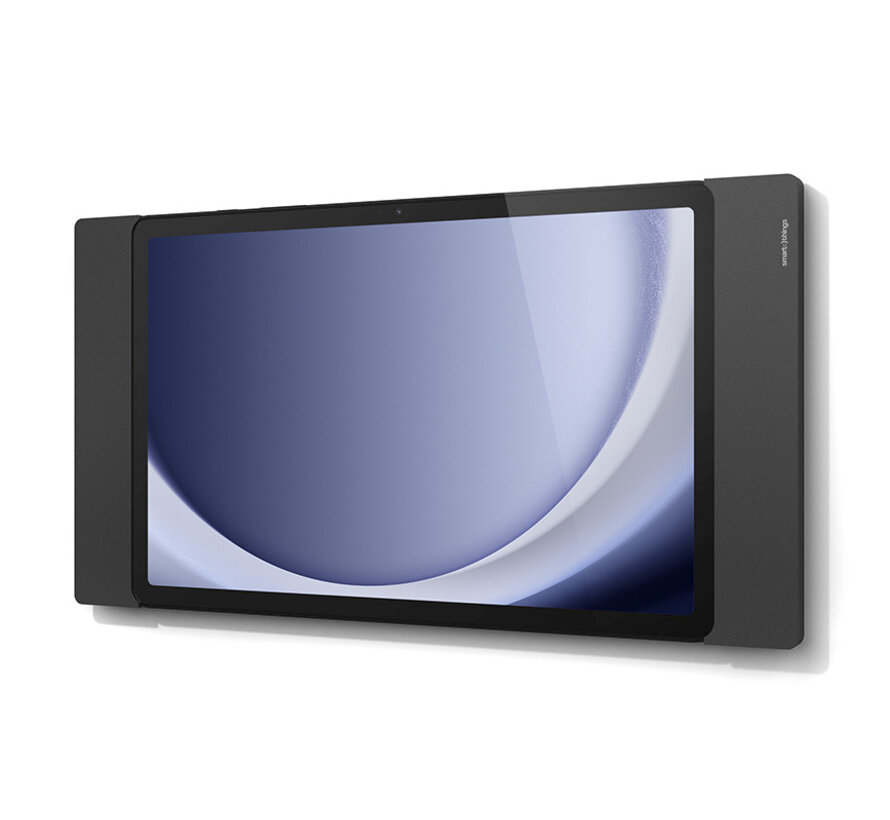
sDock Fix for Samsung Galaxy Tab A9+
- Compatible with: Samsung Galaxy Tab A9+
- Sleek design with no visible side frames
- Anodized aluminum and reinforced plastic
- Available in black or silver
- Weight: 450 g
- Dimensions: 315 x 169 x 12 mm
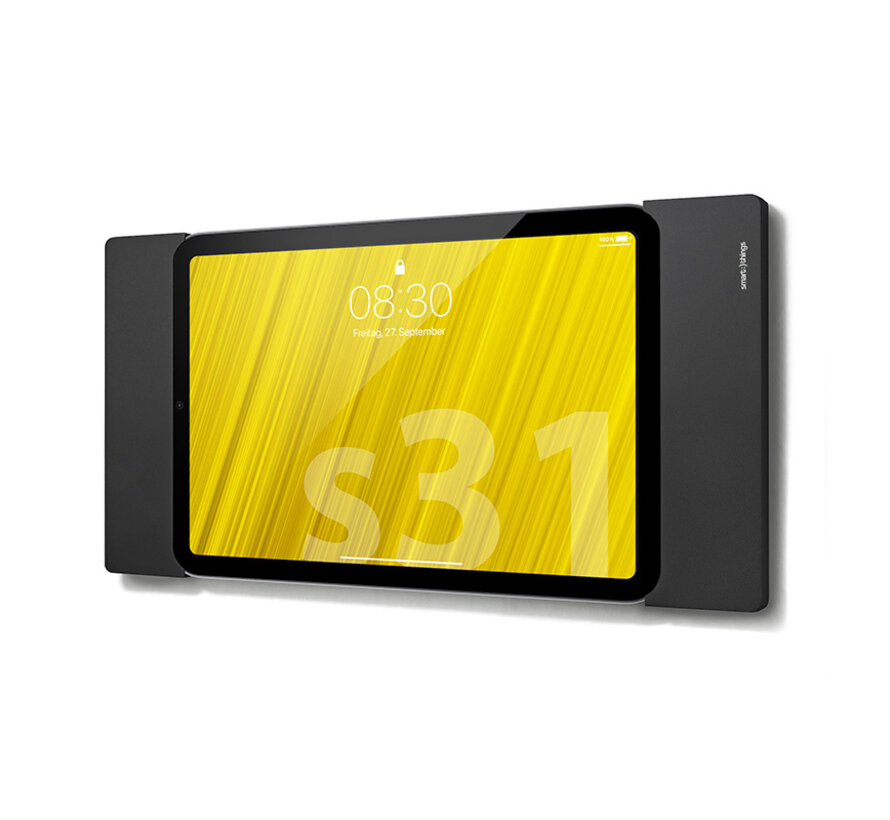
sDock Fix for iPad mini 6 and iPad mini A17 Pro
- Compact holder for the smallest iPad models
- Lockable, lightweight, and subtle on the wall
- Available in black or silver
- Weight: 260 g (560 g including accessories)
- Dimensions: 261 x 135 x 12 mm
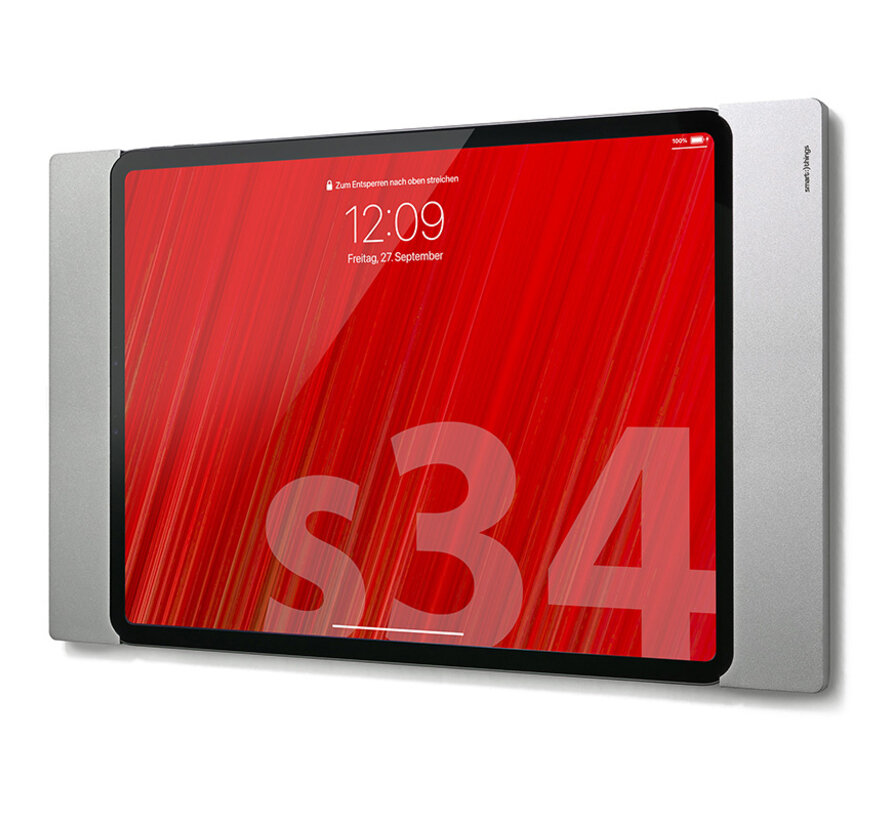
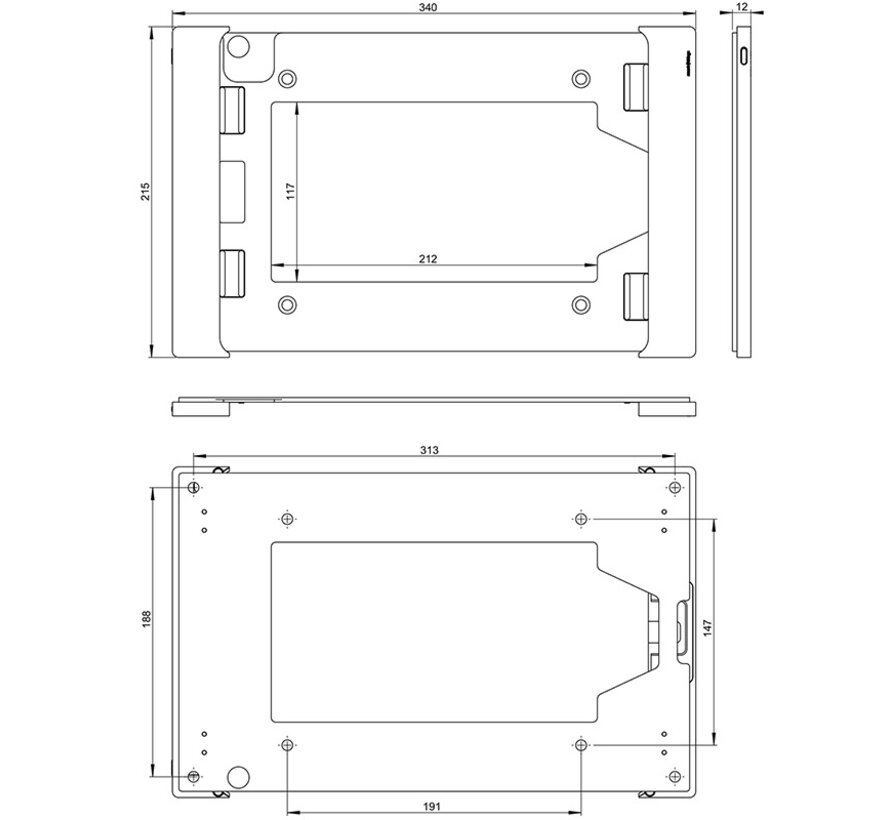
sDock Fix for iPad Air 13" (M2/M3) and iPad Pro 12.9”
- Suitable for larger iPads up to 13"
- Supports multiple generations of iPad Pro and Air (M2 & M3)
- Available in black or silver
- Weight: 500 g (900 g including packaging)
- Dimensions: 340 x 215 x 12 mm
What's in the box?
All sDock Fix holders are packaged in environmentally friendly cardboard, without unnecessary plastic. Thanks to the use of high-quality aluminum and reinforced plastics, these holders are also built to last for years – even with intensive use.
With every sDock Fix, you receive as standard:
- sDock Fix wall mount
- Lock with two numbered keys
- Silicone pads for an optimal fit
- Washers and mounting instructions
- Please note: power supply is not included – the optional sCharge built-in power supply is available separately

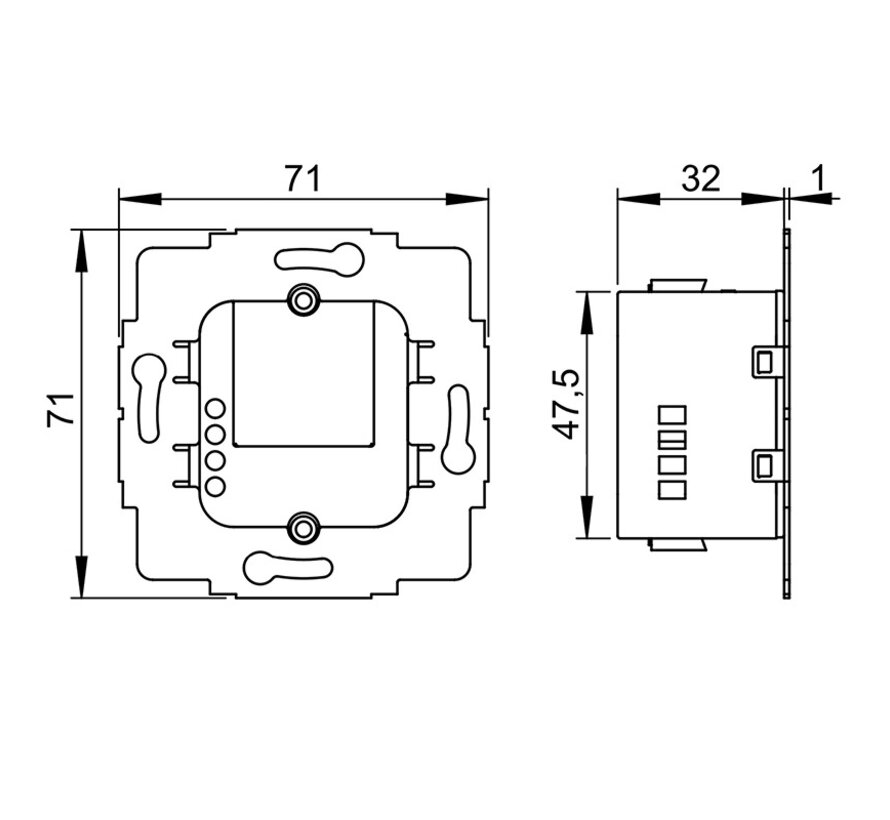
Combine with sCharge and PoE
For those who desire a fully integrated installation, the sCharge power supply is a smart addition. This built-in adapter ensures permanent power supply via a hidden cable and can be combined with PoE splitters for power and data via a single network cable.


At Tabletsolution.nl, you will find the complete range of sDock Fix wall mounts, suitable for iPad and Samsung tablets of various generations.
Feel free to contact our specialists. We are happy to help you with professional advice.


Need a question answered or advice?
Send us an email, a message via chat, or give us a call during office hours.

